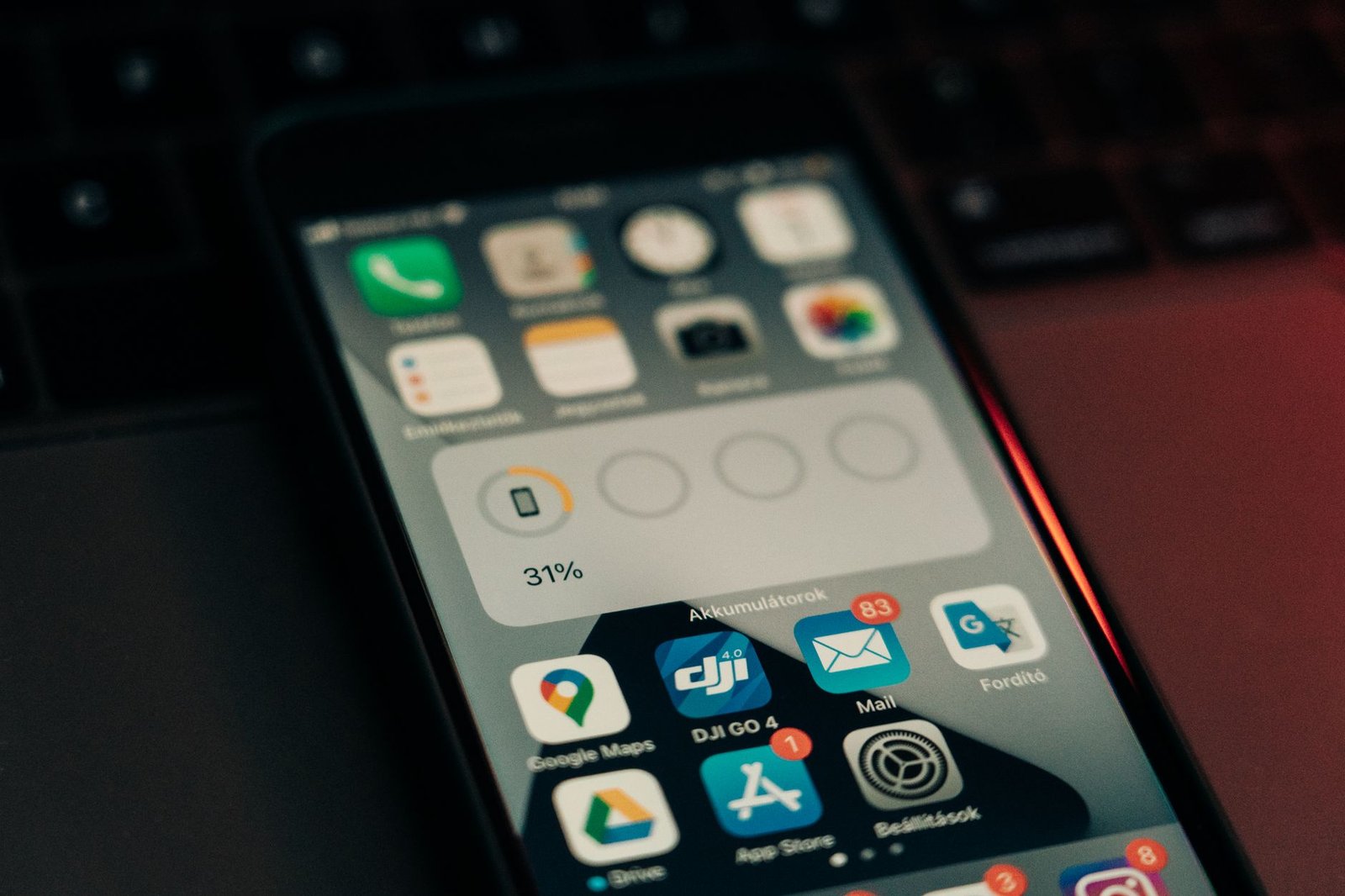
Why Your Battery Drains Faster Than You’d Like
Your phone feels sluggish by mid-afternoon. The battery percentage drops faster than it should. You’re not imagining it—bloated apps are the culprit. Most mainstream applications come loaded with background processes, constant connectivity, analytics trackers, and ads that silently chew through your battery life.
The good news? There’s an entire ecosystem of lightweight alternatives designed to do the job without the unnecessary overhead. These apps run leaner, update less frequently in the background, and respect your device’s resources. If you’re tired of charging your phone multiple times a day, switching to lightweight apps is one of the most practical moves you can make.
Messaging and Communication Apps
Signal is the gold standard for battery-conscious messaging. Unlike WhatsApp or Telegram, which constantly sync in the background, Signal keeps its footprint minimal while offering end-to-end encryption as standard. It uses less RAM and runs efficiently even on older Android devices.
For pure simplicity, Jami (formerly GNU Ring) is decentralized and battery-friendly. No servers constantly pinging your phone, no background syncing overhead. You get privacy and efficiency in one package.
Social Media and News Alternatives
The official Facebook and Twitter apps are notorious battery drains. They track everything and update constantly. Instead, try:
- Nitter (Twitter/X alternative)—a lightweight web frontend that strips ads and trackers. Access it through your browser or use third-party clients like Tweetbot.
- Fritter—a minimal Twitter client for Android that prioritizes battery efficiency and gives you control over refresh rates.
- Feedly—for news consumption, it’s far more efficient than opening multiple news apps. One app, organized feeds, minimal background activity.
Maps and Navigation
Google Maps is powerful but power-hungry. OsmAnd+ is the lightweight champion here. It downloads offline maps, doesn’t require constant internet, and uses GPS more efficiently. Once maps are cached locally, you’re not streaming data or broadcasting your location constantly.
Maps.me is another solid choice—offline-first, fast, and clean interface. Perfect for navigation without draining your battery during long trips.
File Management and Storage
Don’t use your phone’s pre-installed file manager? The third-party heavy hitters like Solid Explorer or Total Commander are feature-rich but heavy. Switch to Material Files or Simple File Manager—both open-source, tiny install sizes, and they do the job without background processes running.
Media Players and Music
VLC is the obvious choice—it handles almost any format without demanding resources. But if you want even lighter, mpv (available through Termux on Android) strips everything down to pure playback efficiency.
For music specifically, Phonograph or Simple Music Player beat streaming apps like Spotify in terms of battery drain. Yes, you need local files, but the trade-off is worth it if battery life is your priority.
Email Clients
Gmail’s official app syncs aggressively. K-9 Mail gives you control—set your own sync intervals, disable background refresh, keep only essential notifications. It’s open-source and respects your battery.
FairEmail is newer but excellent: you choose exactly when it syncs, supports unlimited accounts, and uses minimal resources.
Browsers That Don’t Drain Battery
Bromite is a Chromium-based browser stripped of Google’s tracking and unnecessary features. It’s faster and lighter than Chrome or Edge on Android.
Firefox Focus is Mozilla’s minimal browser—auto-delete cookies and tracking data, lightweight, and battery-conscious.
System-Level Optimization Tips
Switching apps helps, but habits matter too:
- Disable background app refresh in Settings > Apps. Let apps update only when you open them.
- Turn off location services for apps that don’t strictly need it. Your maps app? Yes. Social media? No.
- Lower screen brightness or enable adaptive brightness—your display uses more power than any app.
- Use battery saver mode early, not as a last resort. Modern Android versions are smart about it.
- Check Settings > Battery to see what’s running. If an app uses 10%+ when you’re not actively using it, uninstall or replace it.
Independent Games That Won’t Drain You
Casual indie games can be surprisingly efficient. Threes!, Two Dots, and Mini Metro are proof that fun doesn’t require a graphics-heavy engine. They’re lightweight, no ads (or minimal ones), and designed for short play sessions—exactly what your battery appreciates.
The Bottom Line
Battery drain isn’t inevitable. Every app you use has alternatives, and most of them are free or cheap. Start by identifying your three most-used apps—chances are, there’s a leaner version waiting. Replace them one at a time, and within a week, you’ll notice your phone lasting noticeably longer.
The real win? You get better privacy, fewer ads, and faster performance as bonus features. Download K-9 Mail this week if you use email regularly—you’ll feel the battery improvement immediately.
Laisser un commentaire